
Your data stays yours
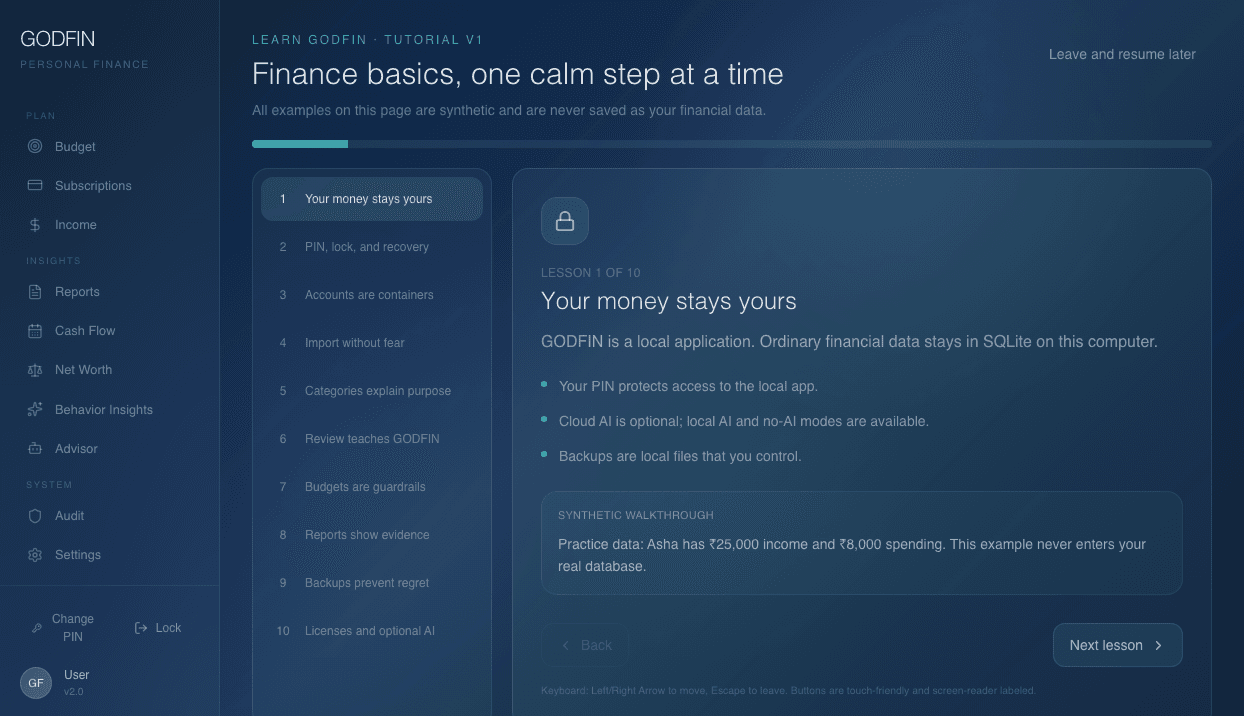
Statements, transactions, categories, budgets, and reports live in SQLite on your laptop—not in a GODFIN cloud database.
GODFIN runs on your laptop. Parse HDFC bank statements, classify spending, and generate useful reports without sending your financial life to someone else's database.
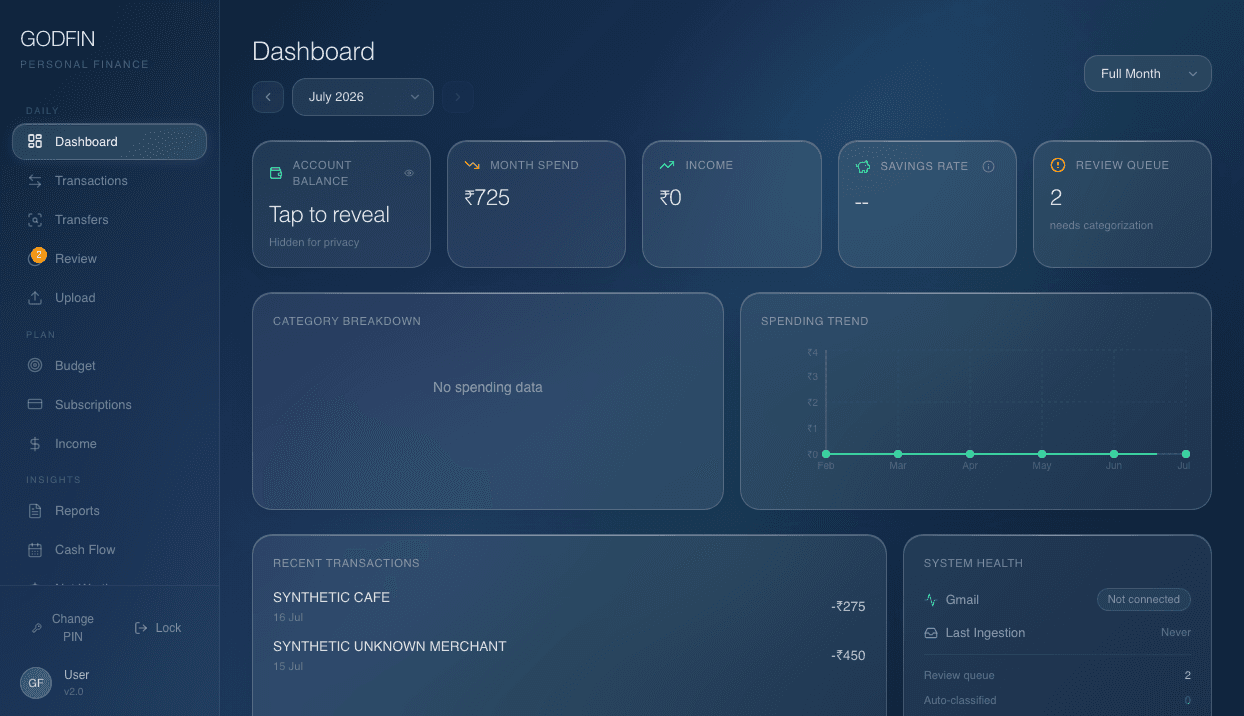 Captured from the real app
GODFIN combines the control of a spreadsheet with the workflow of a modern finance app—without turning your transaction history into a hosted product.
Statements, transactions, categories, budgets, and reports live in SQLite on your laptop—not in a GODFIN cloud database.
Rules and merchant memory handle daily work locally. Optional AI helps only when you choose to enable it.
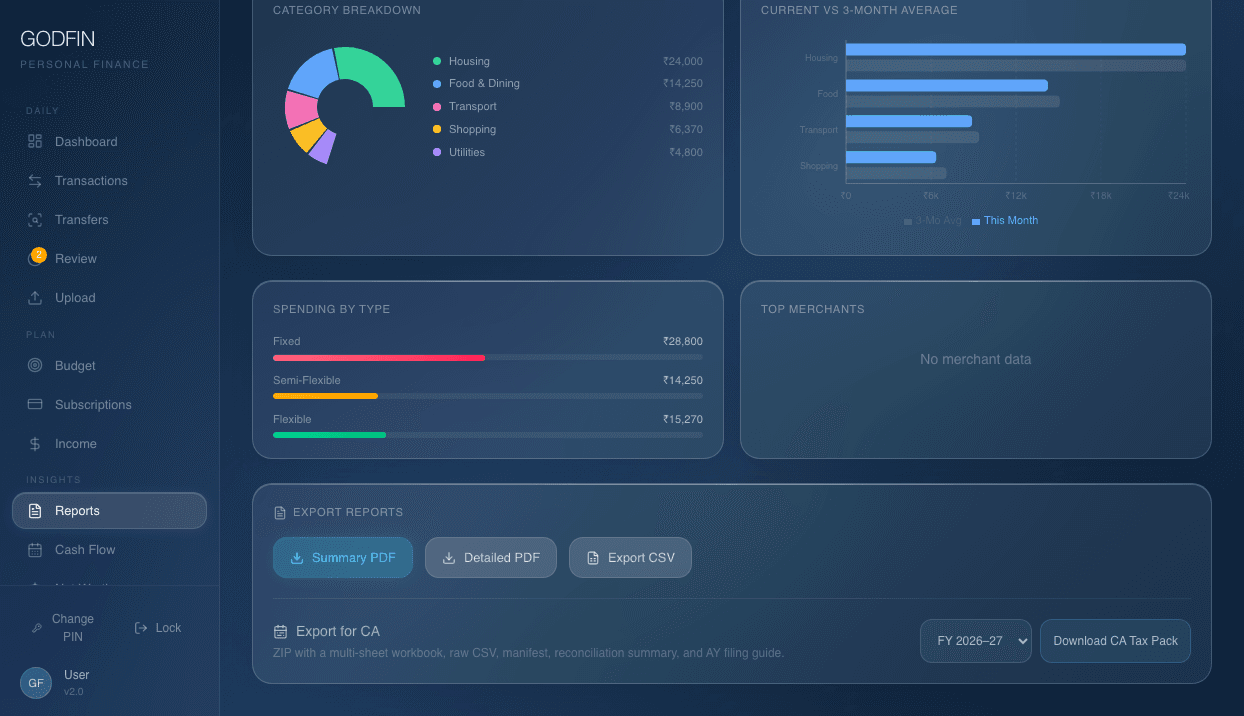
Understand cash flow, recurring spend, budget pressure, and reviewed category trends without spreadsheet surgery.
Import HDFC savings and credit-card statements today. The plugin architecture adds other banks only after their formats are verified.
The desktop app and its database run locally. Network access is optional for downloads, licensing, Gmail, or your chosen AI.
Core is free forever. Pro and Max are one-time purchases—there is no software subscription waiting to compound.
Every demonstration below was captured from the working app with privacy-safe synthetic data. No generated UI art, hidden cloud ledger, or unshipped promise.
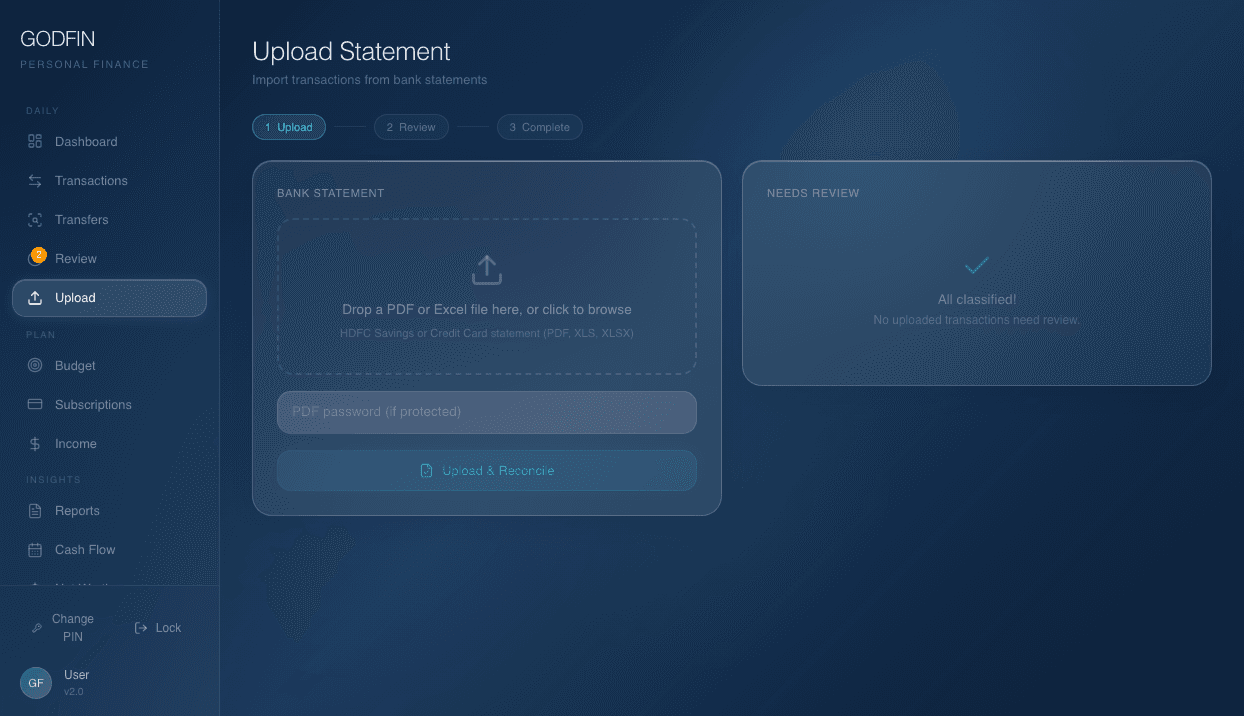
HDFC PDF and Excel imports preview, reconcile, and surface exceptions before committing rows. OpenDataLoader remains benchmark-only until it proves a material accuracy gain.
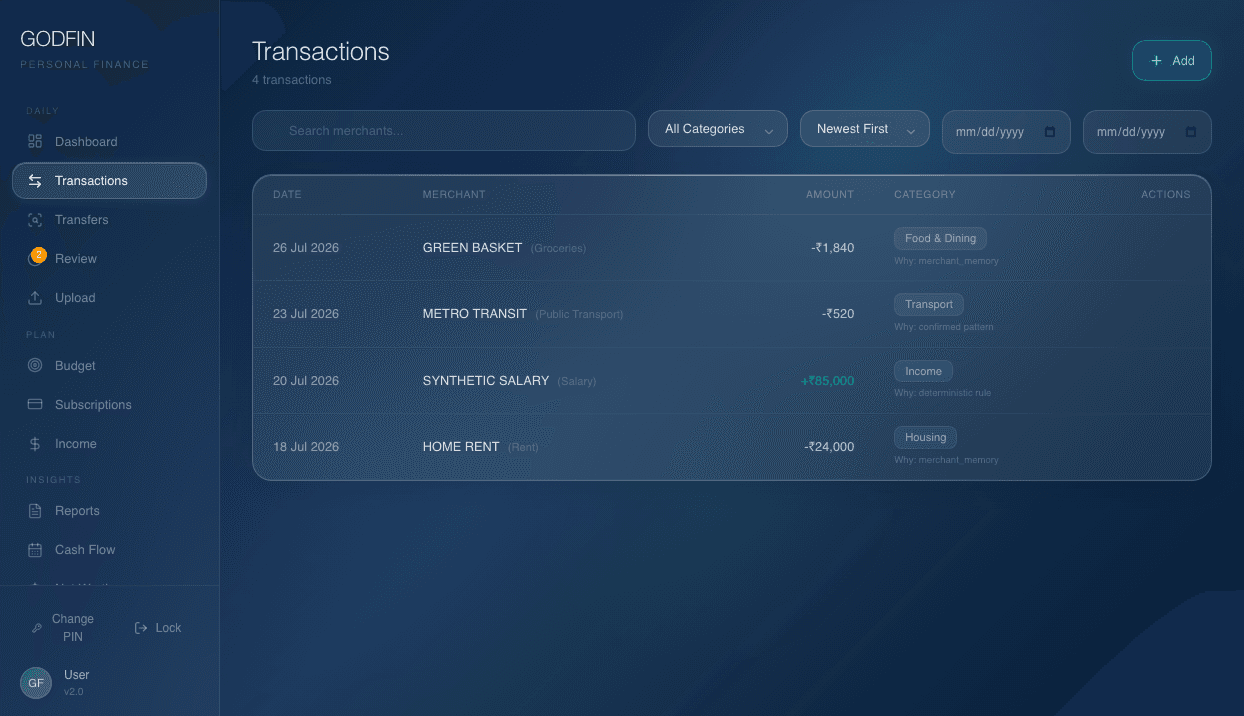
Confirmed corrections build local merchant and transaction-pattern memory. GODFIN shows the source behind each choice, and finalized months remain untouched.
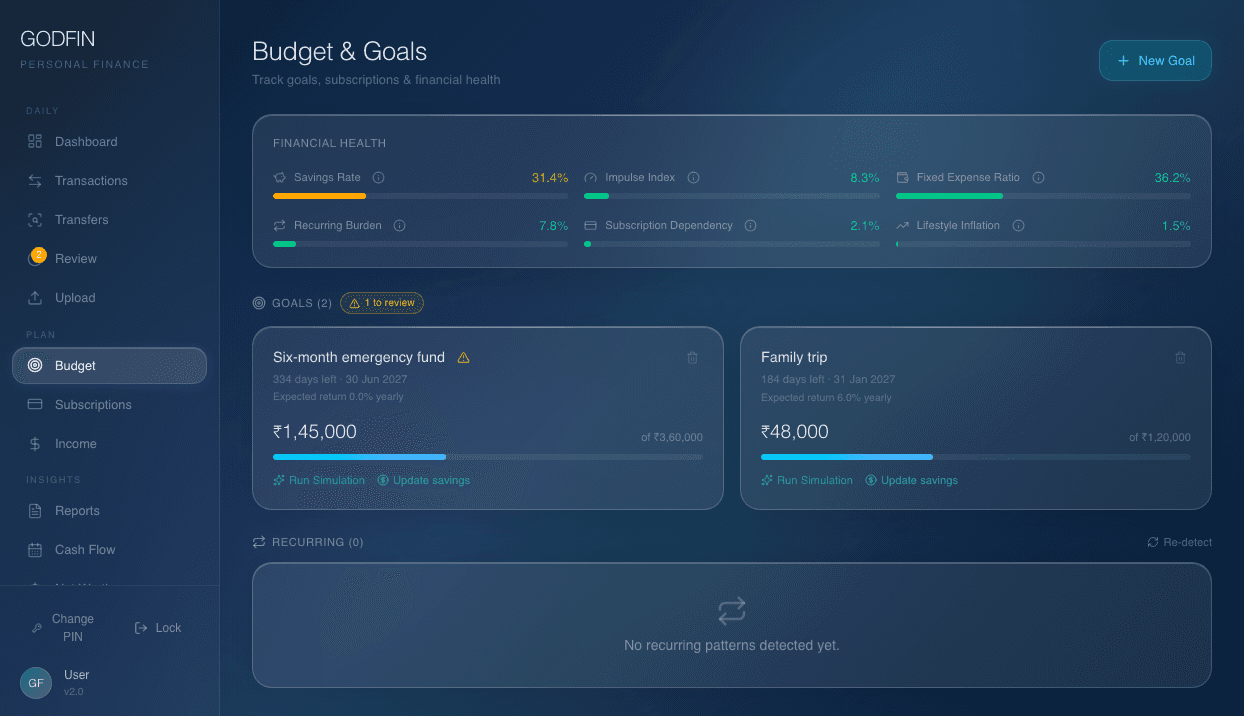
Start with what you have already saved, add deposits or withdrawals, and keep an auditable contribution ledger. Pro and Max can surface FD or RD candidates for confirmation.
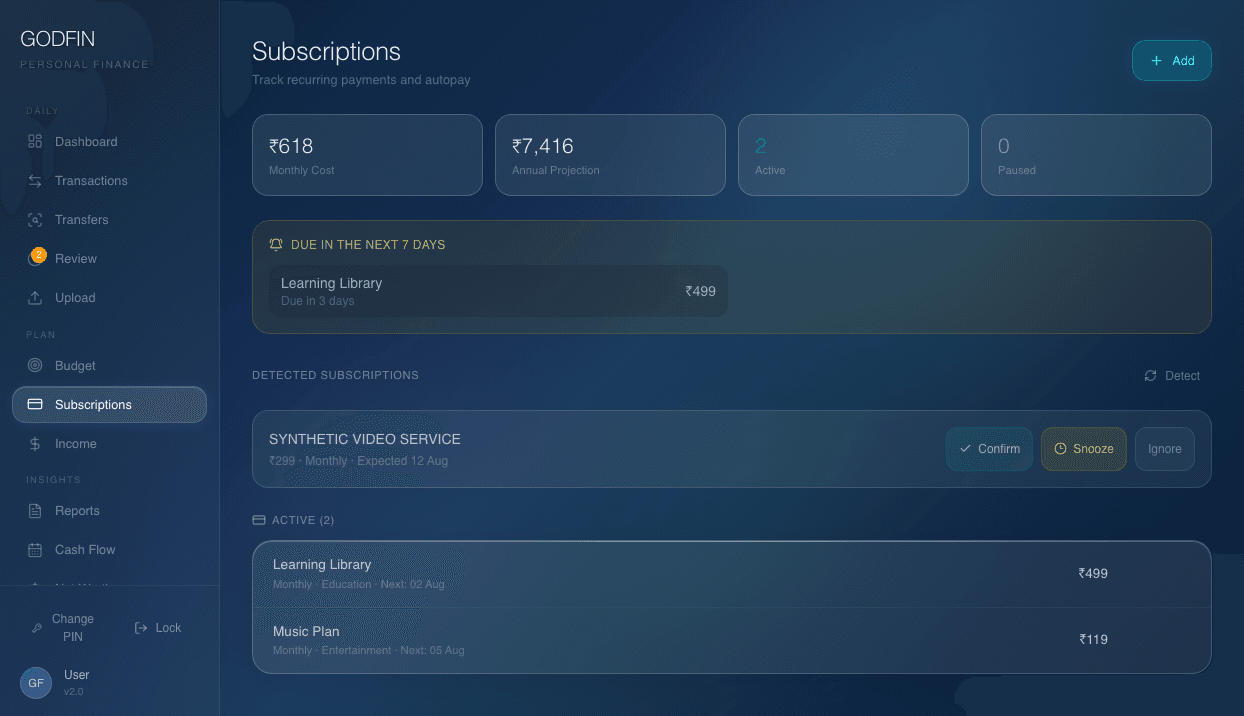
Calendar-aware detection looks for repeated evidence, amount variability, and merchant-account consistency. Review candidates before turning them into tracked subscriptions.
The paid CA export is one review-oriented ZIP: a multi-sheet XLSX, raw CSV, reconciliation JSON, manifest hashes, and an AY 2026–27 filing guide.
Statements, transaction history, category memory, goals, and reports remain on your computer. The website handles accounts, purchases, licenses, activations, and downloads.
Website accounts store only what is needed for purchases, licenses, device activations, and downloads. Your app database remains on your device.
Bank statements, transactions, merchant memory, budgets, audit history, reports, and your local PIN.
Account email, purchase records, license status, activations, and downloads. No transaction ledger.
Core costs nothing. Pro and Max are lifetime desktop licenses. Credit packs are optional one-time top-ups.
Join the double-opt-in waitlist for release updates. Tell us your operating system and intended use so we can prioritize real demand. Waitlist details never include desktop financial data.
Loading waitlist form…